Where the LetsVPN download actually lives
A LetsVPN download is the installer for one OS, not another marketing page. This site — kllianget.com.cn — keeps four cards on the download center: Windows, macOS, Android, iOS. The footer button uses the same channel. Skip expired mirrors, renamed zip files, and “join a group to get the APK” pitches. Read the platform name and version on the card before you save. File size is whatever the channel page shows.
Official installer vs a file you cannot verify
An official LetsVPN download has a short test: it came from the channel labeled here, the suffix matches the OS, and setup does not drop extra desktop icons or a mystery browser. Modified builds, cracks, and “already activated” setups are not offered. If the channel stalls, change networks and retry. Sign in with the account from your purchase channel. How the four cards differ is in how to read the installer cards.
Windows, macOS, Android, and iOS builds
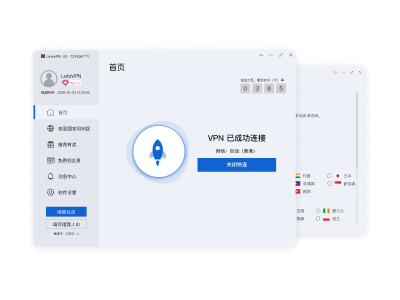
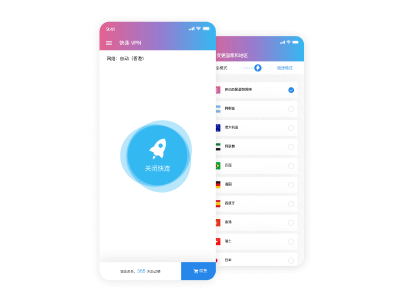
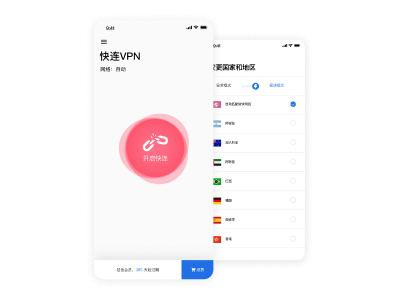
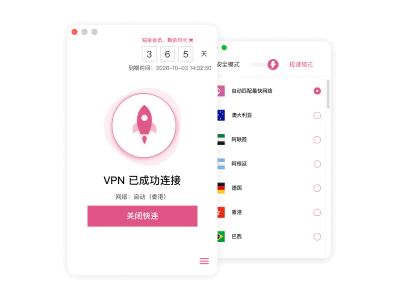
Clients are split by platform and do not share a version number. You cannot rename an .exe into an .apk. The download page currently lists Windows v3.2.1 (Windows 10 20H2 / 11), macOS v3.1.0 (12+, Apple silicon vs Intel first), Android v3.0.8 (Android 8+), and iOS v3.0.5 (VPN profile on first connect). Dates follow the page stamp. This site does not invent download counts or megabytes. If you tapped the wrong card, delete the file and start over; see which build to keep.
| Platform | Version | Requirement |
|---|
| Windows | v3.2.1 | Windows 10 20H2 / Windows 11; admin prompt on install |
| macOS | v3.1.0 | macOS 12+; confirm chip before saving the dmg |
| Android | v3.0.8 | Android 8+; unknown-source prompt once, then done |
| iOS | v3.0.5 | Current iOS; allow the VPN configuration on first connect |
Setup fails, or the tunnel never comes up
A failed install is usually permission or leftover files. A failed tunnel is usually node, protocol, or a gateway — do not smash both problems with a reinstall. Windows wants an admin run; macOS wants a Privacy & Security allow; Android should permit unknown sources for this one package; iOS must accept the VPN profile or the UI opens with no tunnel. A slow transfer is a network issue first. Walk permission order after install and the setup guide; still stuck, use the FAQ. Store-region notes for the official package sit in official download vs store listing.
Download and setup questions
Which LetsVPN download card should I tap?
Match the device: desktop is Windows or Mac, phone is Android or iOS. All four cards share a channel; the files are not interchangeable. If you are unsure about the Mac chip, open About This Mac before you save.
Windows asked for administrator permission. Is that expected?
Yes — the installer writes into Program Files. Cancel if a second wizard appears, a browser bundle is checked, or an unknown publisher wants extra software. Sign in later with your purchase-channel account, not a config file from a stranger.
macOS says the developer cannot be verified.
Allow this open under Privacy & Security, or drag the app to Applications first. The wrong chip build will bounce. Delete the dmg and take the matching card from Download.
Android warns about unknown sources. Continue?
For a package from this site’s channel, allow once. Do not flip “allow from any source.” After install you should see the client, not a row of extra icons. If the publisher looks wrong, uninstall.
What must I allow on iOS the first time?
The system VPN configuration. Without it the app opens and the tunnel never builds. Store region follows your Apple ID; this page is a second path when the listing is hard to reach. Use the path you can finish.
How do I spot a modified installer?
This site does not ship cracks or “ad-free activated” builds. Extra wizard pages, a demand to disable antivirus, or unrelated software checked by default are enough to delete the file and return to the labeled channel.
A slow download means a corrupt package?
Usually congestion, not a bad hash. Switch networks and retry. Only delete and fetch again if the saved file will not open. Skip third-party download accelerators that rewrite the file.
Should I reinstall if the tunnel fails right after setup?
Change node and protocol first. Check a system proxy, firewall, and a second VPN. A page that loads while the tunnel fails rarely needs a new binary. Reinstall when you mixed packages or the installer itself would not launch.
Where do I confirm the version number?
The cards on Download and the table on this page list Windows, macOS, Android, and iOS. About in the client should match. Megabytes are not invented here; trust the channel page.
Can I reuse one installer on every device?
No. exe, dmg, apk, and the iOS build are not interchangeable, even if you rename the suffix. Each device goes back to Download and taps its own card.